About
One studio instead of
a relay race.
Kreativus exists for one reason: making something move shouldn't take four apps, four file formats and four places your work lives.
The problem
Making an animated shot today usually means a relay race: draw in one app, rig and animate in a second, add effects in a third, track footage or clean plates in a fourth — each with its own file format, its own shortcuts, and its own idea of where your work lives. The craft hasn't changed. What changed is how much of the day goes on carrying work between the tools that do it.
And the newest additions pull the same way: AI features that send your footage to somebody else's computer, need a connection to do anything at all, and quietly change between one shot and the next.
One desk
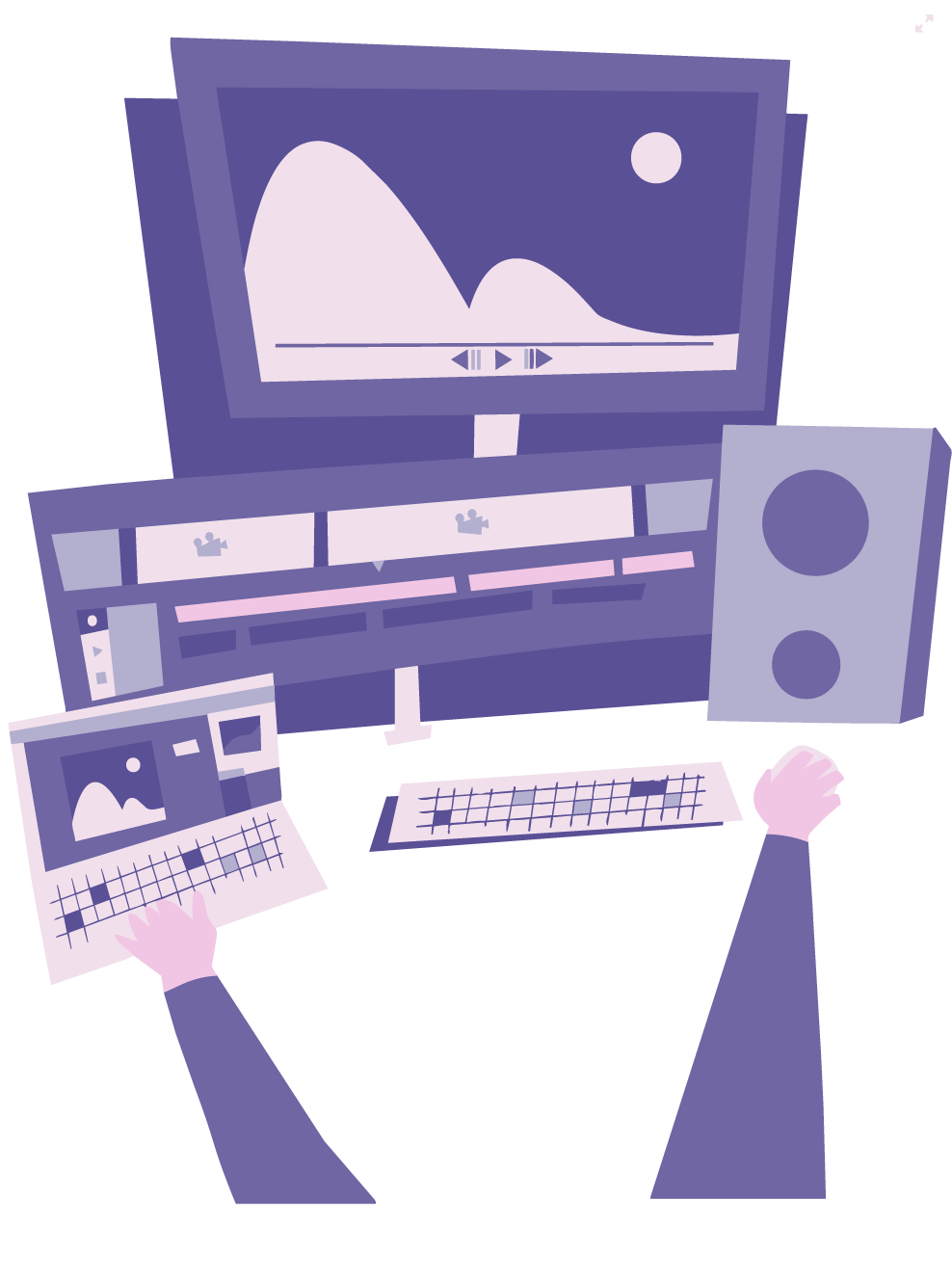
Draw, paint, rig, animate, add effects, track, composite and render — one app, one timeline, one file. A character you drew ten minutes ago can be rigged, turned 360°, lit by a 3D sun and pinned to tracked footage without ever leaving.
Native speed
Kreativus is native code — Rust talking straight to your Mac's GPU. No browser in a trench coat, no electron shell. The feel of the app under a pen matters as much as its feature list.
AI that lives on your Mac
Rotoscoping, depth, generative erase, speech — the models ship inside the app and run on your machine. No upload, no account, no queue. They work on a plane, they work the same way next year, and your footage never leaves the disk it is already on.
Honest terms
Free while it's in public testing. No accounts, no telemetry, and nothing you make is held anywhere but your own disk — projects are ordinary files, in a format you can open without asking anyone's permission.
Where it is right now
In active development, with new builds landing often. The feature set is already wide — the docs cover all of it — but edges are still rough, and that's exactly what the testing phase is for. Every bug report is read by the person who builds the app, and the loudest reports decide what gets fixed next.