Animation studio for Mac · free while in testing
make a move
One app for every medium.
Four apps,
or one.
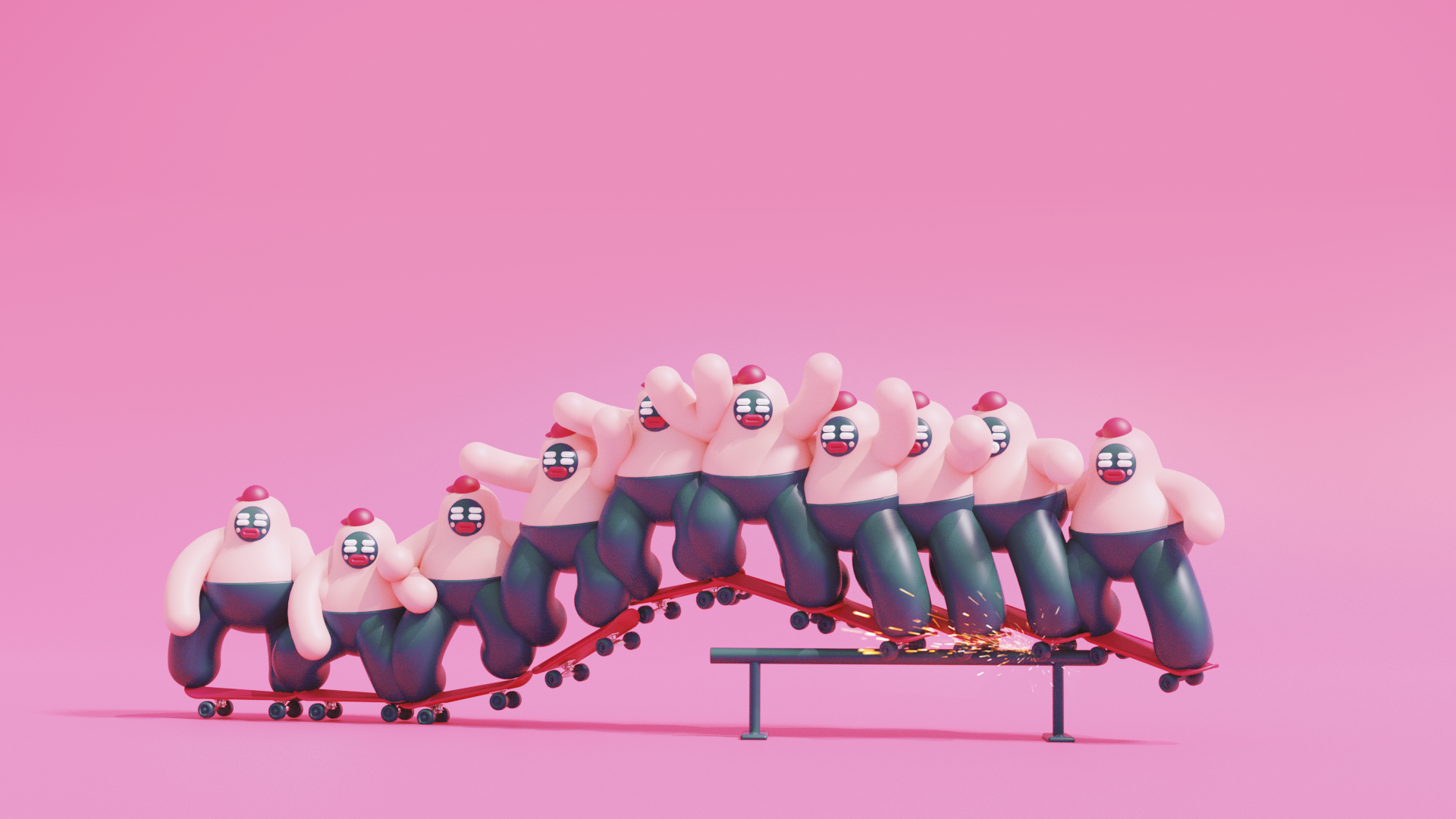
Animation work has spread itself across a stack of tools — one to draw in, another to animate, special effects, editing and coloring. It's endless moving of files. Kreativus is first of it's kind creation tool, including everything needed to stay in one app all the way.
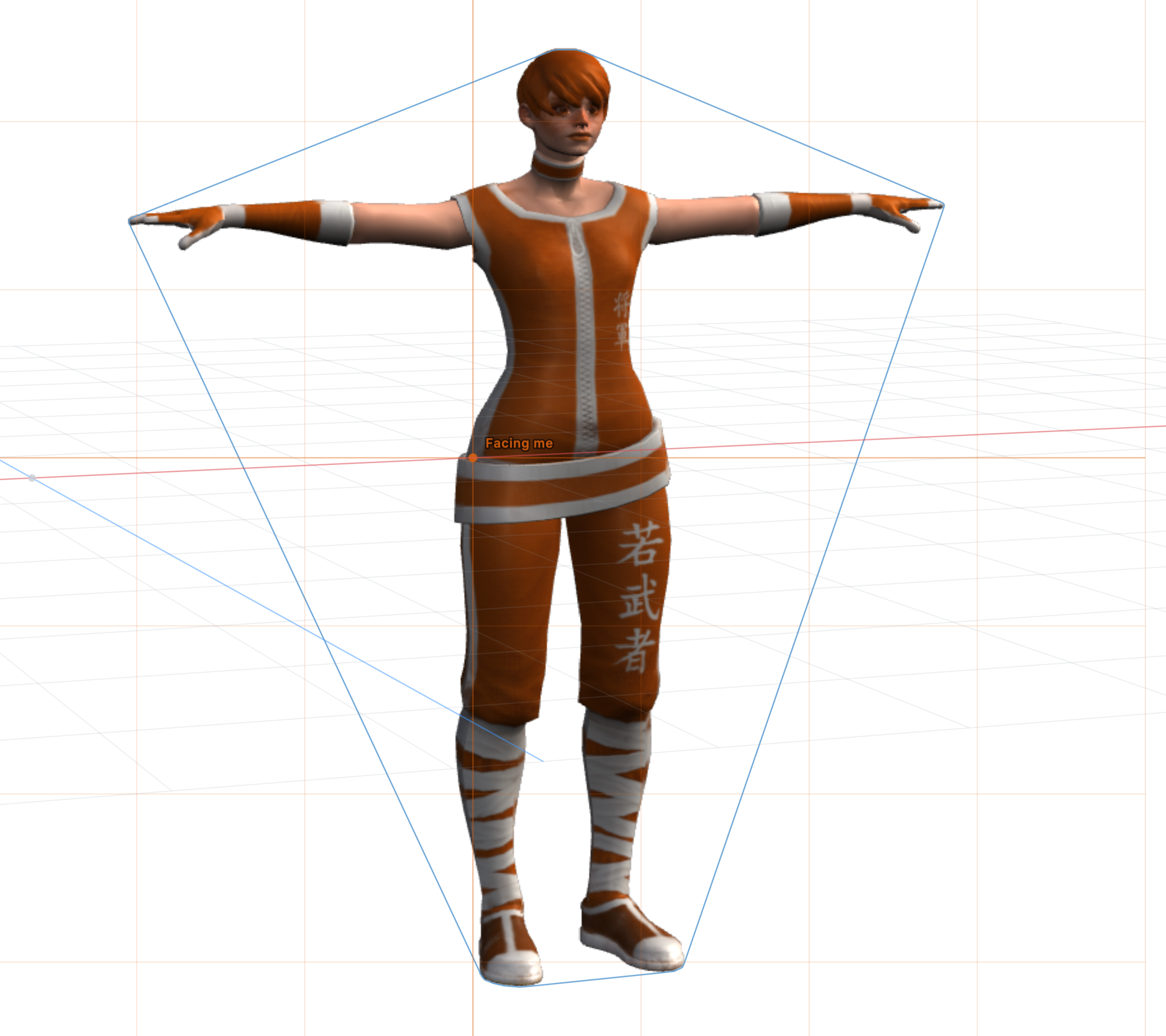 3D features
 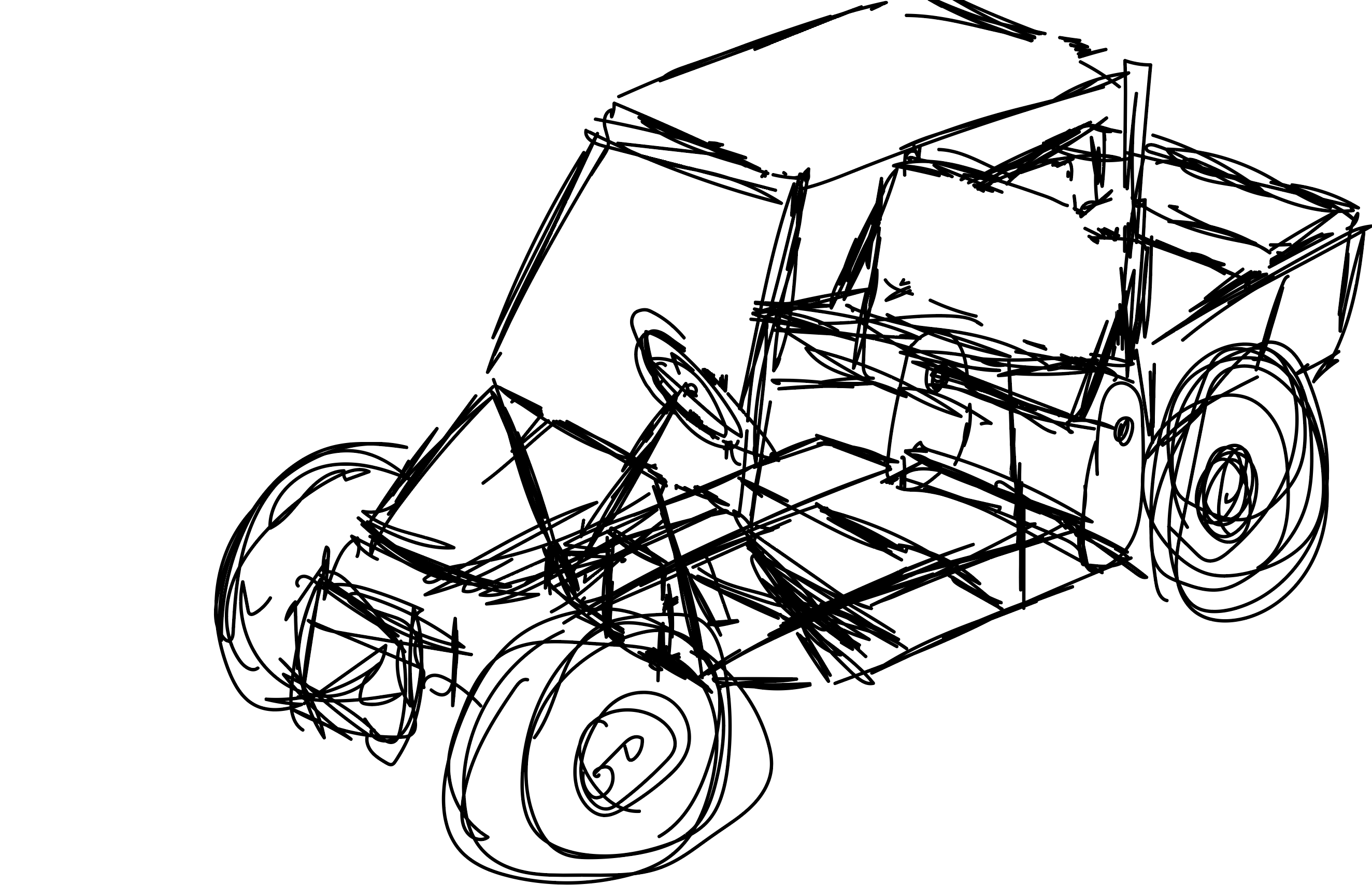 Animated strokes
 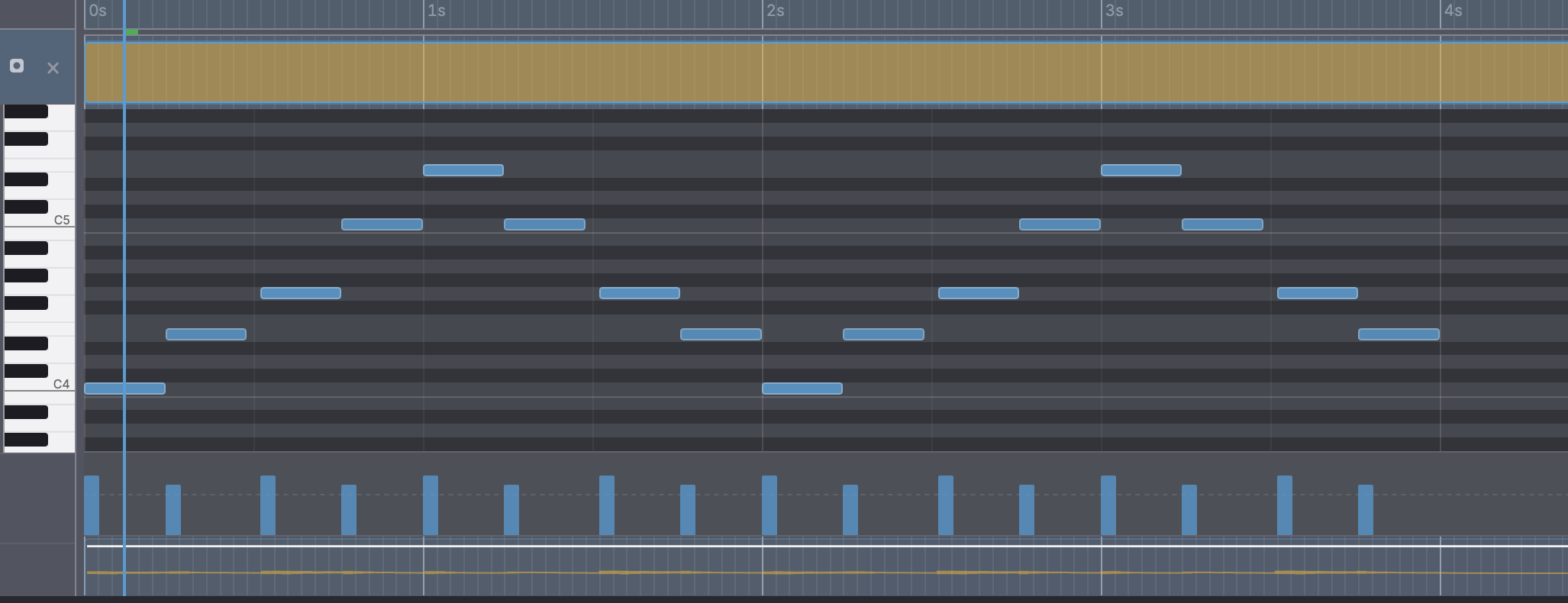 Synth
Synth 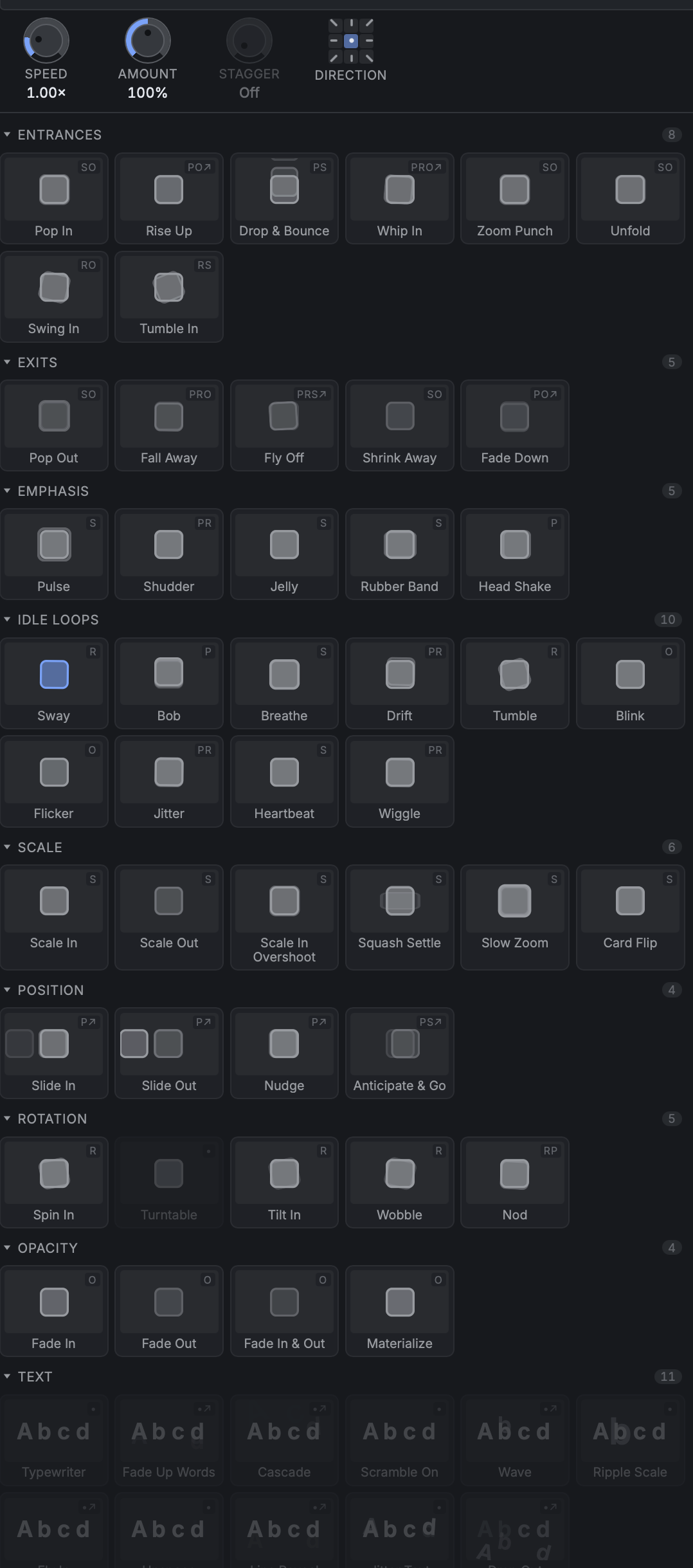 animation
Presets
 Particles
 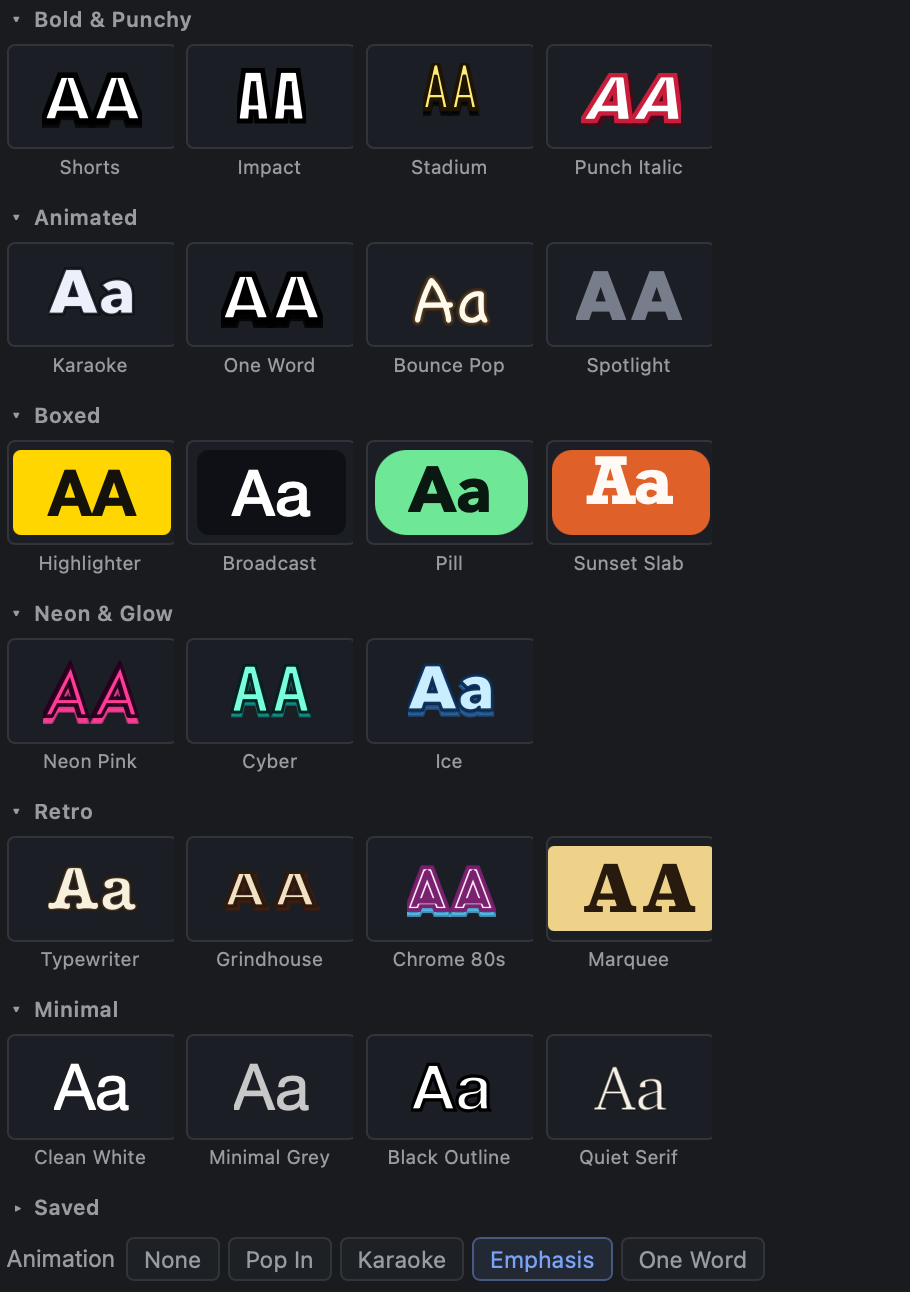 auto
autoCaptions
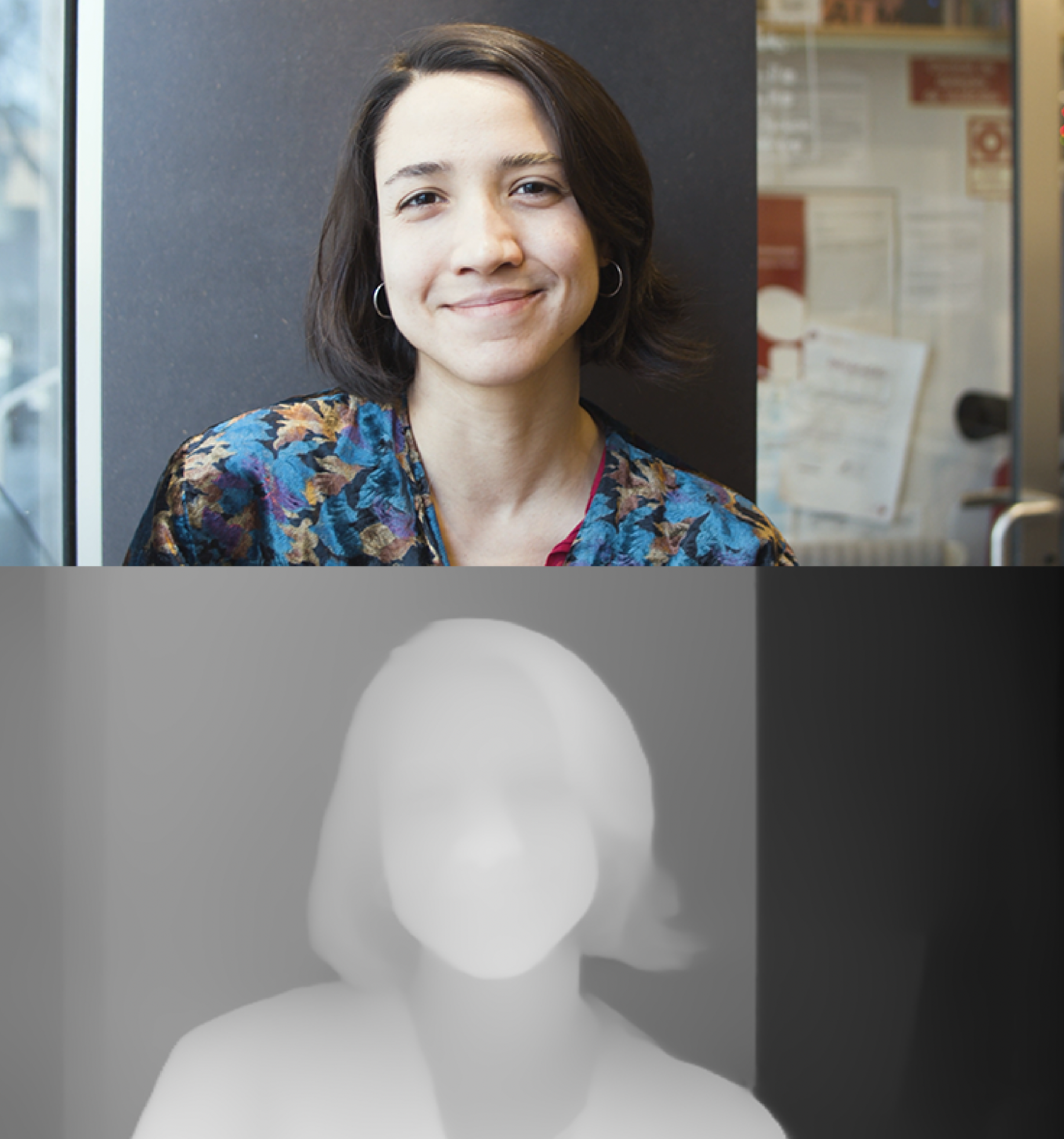 Depth mask
 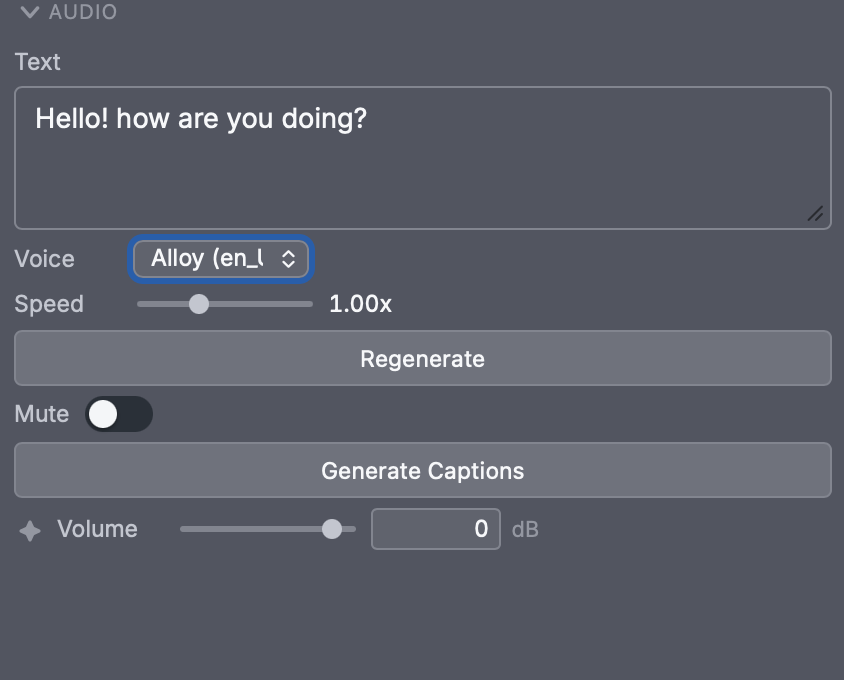 text to
Speech
 Physics
system
 Liquid
shapes
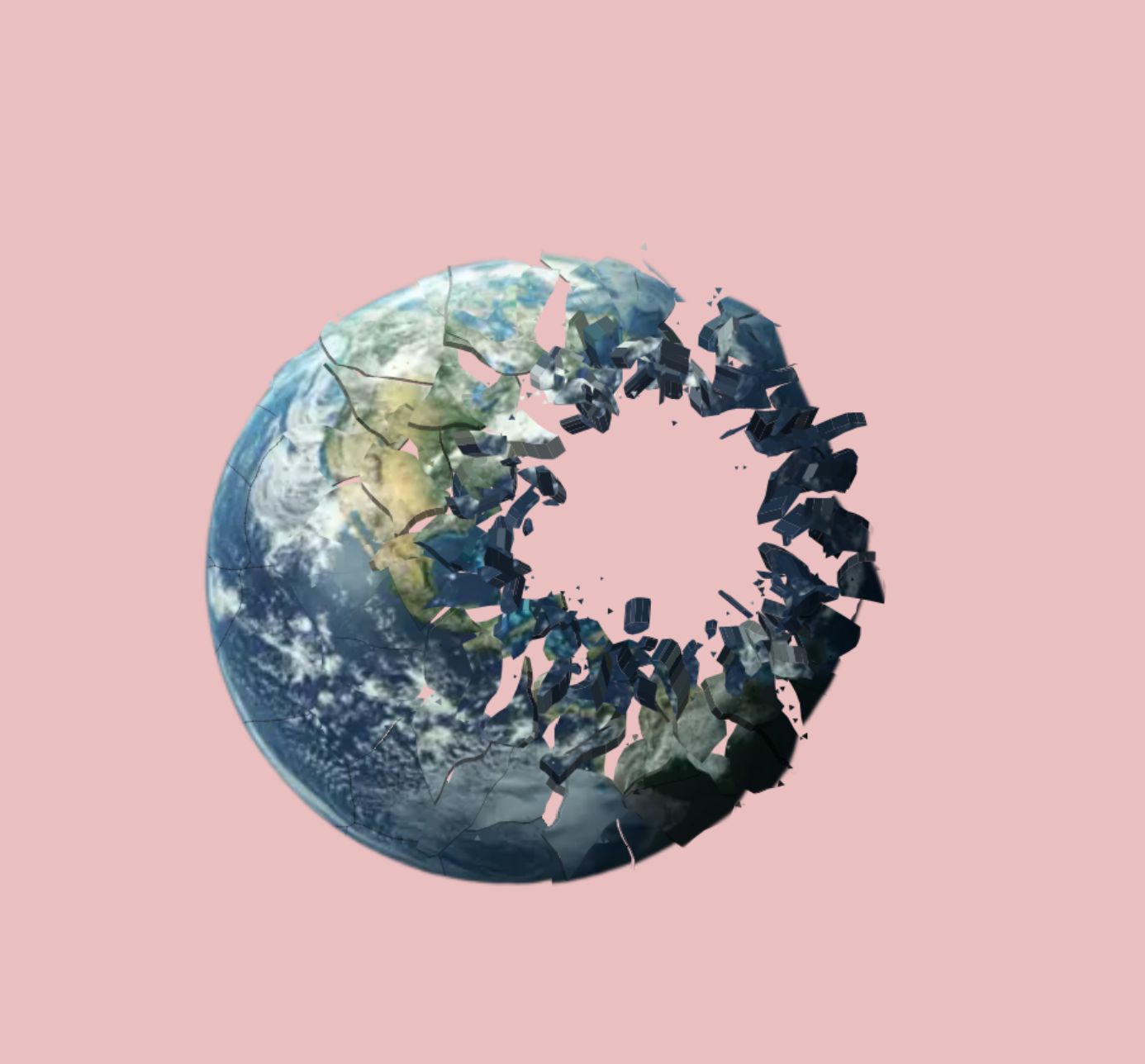 Shatter
  Rotoscope
 It's early. That's the point.
Kreativus is in active development — new features land weekly. Download it, make something, and when it creaks, tell me. Every report lands on my desk and decides what gets fixed next.
Download it
Free, about a gigabyte — the AI models ship inside, so nothing downloads later.
Make something
A bouncing ball, a walk, a storm over a city. Push it somewhere weird.
Tell me what broke
Two sentences in the report box is plenty. Crashes, confusion and wishes all count.

Before you ask.
Is it an alternative to After Effects?
Yes. It's built for the same work people open After Effects and other Adobe tools for — keyframe animation on nearly every property, motion tracking, particles and effects, text animation, real 3D, and both hand-drawn and vector art — all in one native Mac app. The differences that matter: it's Apple Silicon-native rather than a port, everything lives in one timeline and one file instead of a relay between apps, and its AI tools — rotoscoping, depth and generative erase — run on your own Mac, so they work offline and your footage never leaves it. It's a younger app focused on 2D and 3D animation rather than replacing an entire creative suite, but for motion and animation work it stands on its own.
Is it free?
Free while it's in testing. The AI tools run on your Mac rather than in the cloud, so they work offline and nothing you make leaves your machine.
What Mac do I need?
An Apple Silicon Mac (M1 or newer) on a recent macOS. The app leans on the GPU and the Neural Engine, so the newer the machine, the smoother the ride.
Why does macOS warn me on first launch?
Test builds aren't notarized by Apple yet — that's coming. Until then macOS asks you to allow the app once in System Settings. The download page walks you through it; twenty seconds, one time.
Does it phone home?
No accounts, no telemetry. Kreativus only touches the internet when you ask it to — fetching a prop from the 3D library, or sending a bug report you wrote yourself.
Where do my files live?
On your disk, as ordinary local files you can copy and back up like anything else. No cloud, no lock-in.