Effects
Pattern
A generative pattern machine — eight drawing engines crossed with seven driving fields, every dial keyframable, vector output all the way.
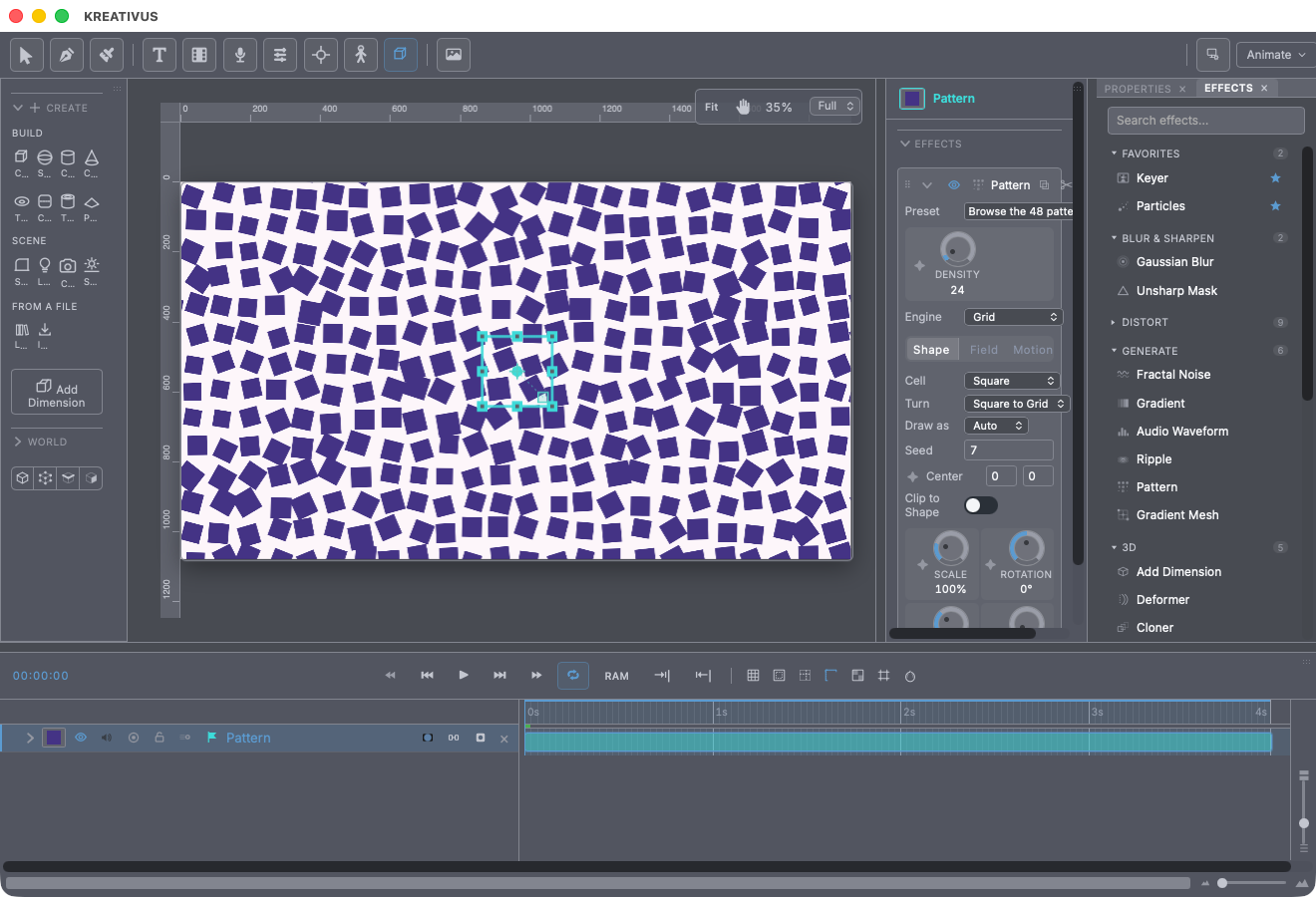
Pattern generates poster-grade graphic fields: Truchet tilings, flow lines, contour stacks, phyllotaxis spirals, isometric cube lattices, node gardens. It was built after studying bookofshapes.com’s collection of ~57 generative patterns — but where those are 57 sealed scripts, this is a field crossed with an engine: eight machines that draw, seven forces that drive them, and every combination is legal, including the great many that exist nowhere else.
Two more things the reference sites structurally can’t do:
- Everything is keyframable. Every dial animates, and Evolve gives the field its own clock — a pattern drifts, boils, blooms or unwinds instead of sitting still. At Evolve 0 it’s perfectly static and costs nothing to hold.
- The output is real vector geometry. The pattern replaces the layer’s drawn paths, so it takes fills, gradients, strokes, dashes and downstream effects exactly like hand-drawn art — and exports razor-sharp at any size.
Apply it to a vector layer, or to nothing — it makes its own layer.
The two axes
Engine (which machine draws):
| Engine | Draws |
|---|---|
| Grid | Cells over a rectangle — the Truchet tilings live here too |
| Flow Field | Evenly-spaced streamlines combed through the field |
| Contours | Stacked lines displaced by the field — the Joy Division look; a mesh mode crosses them |
| Polar | Rings and spokes — arcs, wheels, nested polygons |
| Spiral | Phyllotaxis and spiral point sets — the sunflower packing |
| Isometric | A 3D lattice of cubes in isometric projection |
| Node Garden | Scattered points joined to whatever neighbours are close enough |
| Lissajous | A field of Lissajous / rose curves |
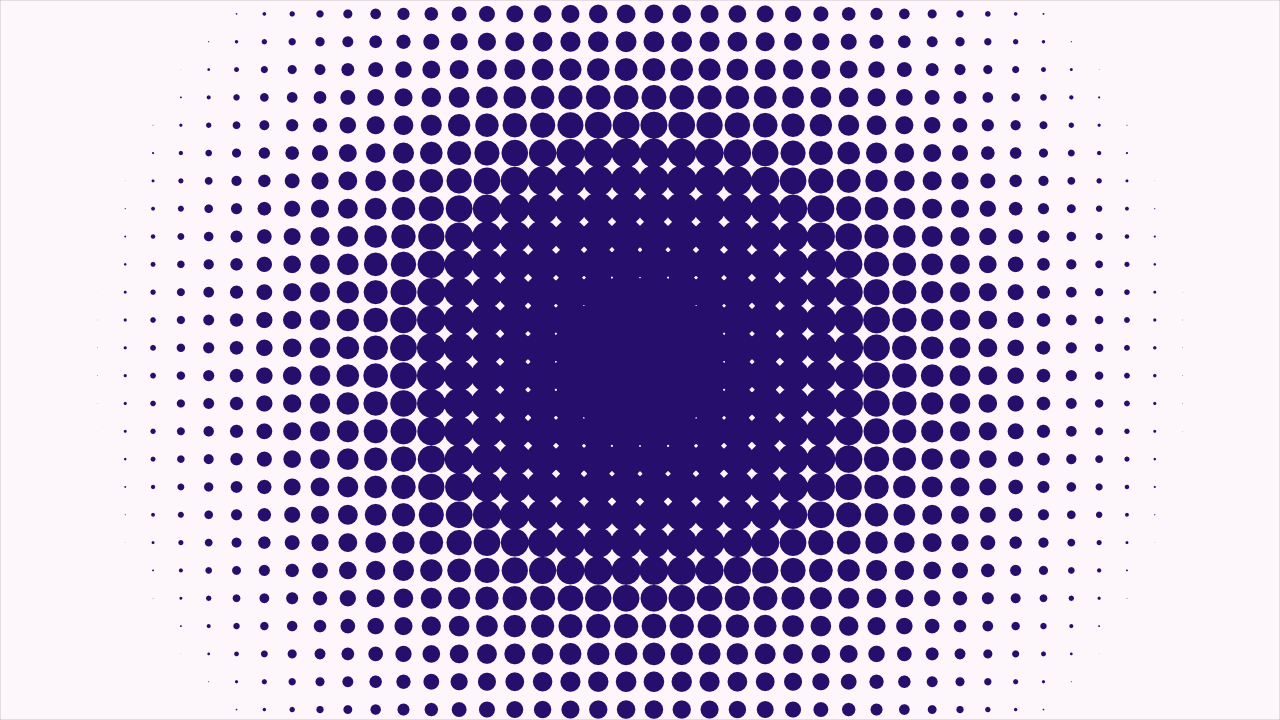
Field (what drives it): Noise (21 selectable textures, from smooth fBm through Worley cells to marble, fire and brick), Waves (interfering point sources — the double-slit fringe), Ripple (concentric rings), Poles (a ring of vortices and sinks that turn the flow around themselves), Arithmetic (a hard-symmetry formula), Ramp (a plain gradient — what makes jitter grow steadily across the sheet instead of everywhere at once), and Layer — another layer’s picture. That last one is the trick worth the ticket: bright grows elements, dark starves them. Halftone a portrait, build a cube terrain from a video frame, thin a grid where the image goes dark. Hide the source layer in the timeline; it’s read as a control, not drawn.
The dials
One dial set serves all eight engines — and the panel only shows the dials the current engine actually uses, so every knob you see genuinely changes the drawing.
- Density — how many elements across (also the cost dial). On the Flow engine the master is Separation instead: how far apart streamlines are kept, the one dial that makes a flow field read as evenly filled rather than clumped into ropes.
- Scale, Size, Gap, Radius — the pattern’s zoom, element size within its slot, held-back spacing, corner rounding (or a polar pattern’s inner hole, or a node’s reach).
- Amount — how much the field may change an element’s size or amplitude. At zero the pattern is perfectly regular; turned up with the Layer field, you have a halftone.
- Jitter — seeded disorder on top of whatever the field is doing.
- Threshold — the field level below which an element simply isn’t drawn. This is what punches organic holes through an otherwise regular pattern: a broken ring, a scattered lattice, a grid that thins out.
- Warp — bends the whole plane by the field before anything is drawn. A little turns a grid into woven fabric; a lot dissolves it.
- Field Scale / Field Contrast — the field’s feature size and its punch.
- Rotation — base turn; in the Spiral engine it’s the divergence angle instead. 137.5° is the golden angle that packs a sunflower, and a degree either side visibly reorganises the arms. Keyframe it.
Grid cells have their own choices: a Cell shape (square, circle, triangle, bar, cross, diagonal — plus three arc Truchet tiles that join into continuous flowing paths across the grid) and a Turn rule: square to the grid, random quarter turns (the Truchet rule), Follow Field (cells comb into flow), face centre, or Alternate — the structured oscillation that lines butterfly tiles up into paths. The Isometric engine picks which cubes exist (Solid): full block, scattered, carved to a sphere, a cross, a wireframe, a Terrain whose column heights come from the field, or a helix.
Motion without keyframes
The Motion tab is why a pattern is a shot, not a poster:
- Evolve — the field’s clock, in cycles per second. Above zero the pattern drifts, boils and reforms.
- Offset — where the sheet sits. Keyframe it and the whole pattern slides — lattice, field and all — with fresh material generated at the leading edge. (The layer’s own transform can’t do this: the sheet is derived from that transform, so moving the layer moves the window and the pattern together, and nothing appears to happen.)
- Drift + Drift Angle — a continuous slide in px/s, no keyframes needed; a background keeps moving as long as the shot runs.
- Spin / Spin Rate — a turn about Center, keyframed or continuous. Spin Rate is what makes a set of rings hypnotic with zero keyframes.
- Phase — slides the pattern along its own cycle; keyframe it to send waves travelling.
- Animate On — holds the evolving field on ones, twos or threes.
Everything loops, everything scrubs — every motion is a function of the frame number, never of a running clock.
Pour it into lettering
Clip to Shape keeps only what falls inside the layer’s own drawn art — or, on a text layer, inside the glyphs. That’s how a pattern gets poured into a logo or a headline.
The 48 presets
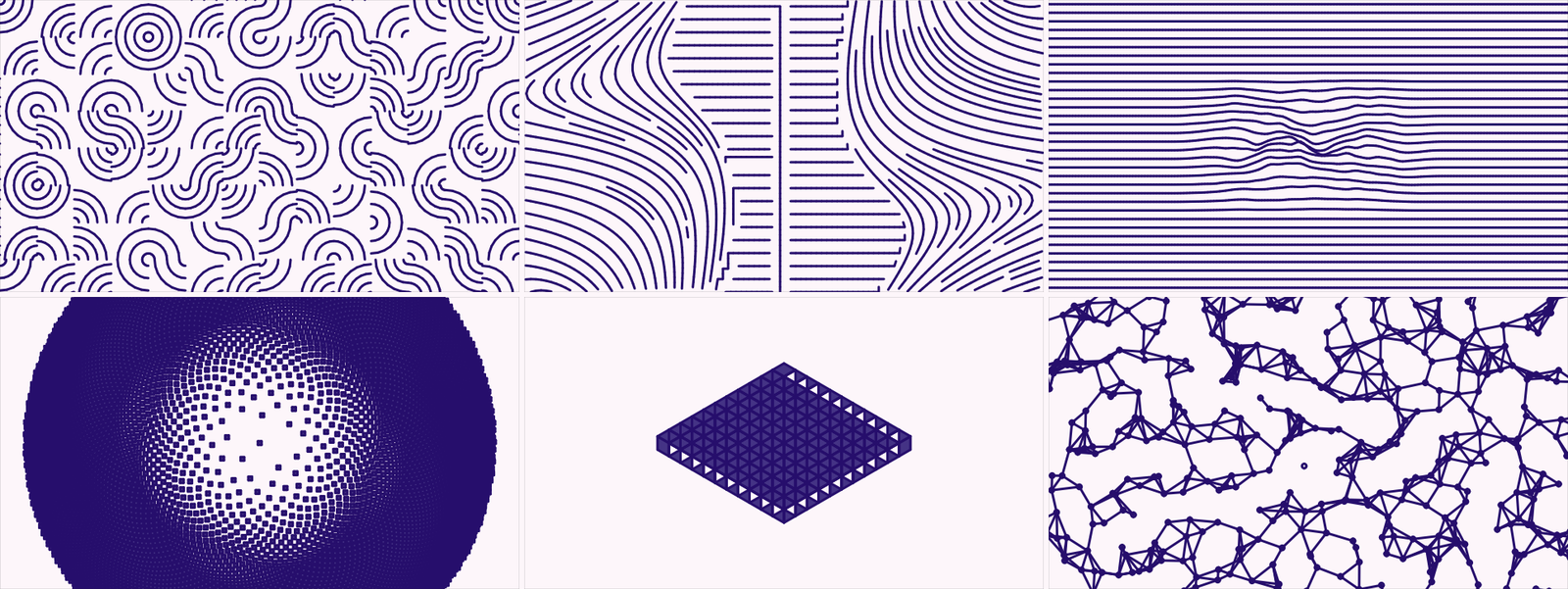
Every named pattern on bookofshapes.com is here, plus a handful that only make sense once a pattern has a clock. Grouped by engine: Grids & Tiles (12 — Arc Truchet, Halftone, Moire Weave…), Flow Fields (4), Contours & Waves (9 — Joy Division, Breathing Terrain…), Radial (9 — Brockmann Arcs, Nested Polygons…), Spirals (4 — Phyllotaxis Bloom, Sunflower Drift…), Isometric (7 — Iso Sphere, Cube Helix…), Networks & Curves (3). Every tile in the browser is the real engine drawn at thumbnail size, and your seed, centre, source layer and Clip switch survive a preset — it never moves the pattern off what you lined it up with.
Recipe — an animated poster background. Preset Drifting Streamlines (or any Flow look), then set Drift ~40 px/s at your choice of angle. Done — it moves forever, loops cleanly, and never needs a keyframe.
Recipe — a halftone portrait. Grid engine, Field → Layer, point Source at your photo layer and hide it. Cell → Circle, Amount up to ~150, Colorize the layer’s fill to one ink for a print look. Density sets the screen ruling.